Your Agentic AI App Works in the Demo. Now Make It Work in Production.
The Challenge
Every team building AI agents hits the same wall. The proof of concept works beautifully. The coordinator routes to the right specialist, the tools return sensible answers, and the demo gets applause. Then someone asks: "How do we know the agent did the right thing?"
That question — not prompt engineering, not model selection — is where most agentic projects stall.
Agentic applications generate a firehose of operational data: user prompts, routing decisions, tool calls, model outputs, latency metrics, token consumption, safety signals. In a POC, this data lives in log files that nobody reads. In production, you need it to answer hard questions. Which agents were invoked and why? Did the system use the correct tools and data sources? Where are failures clustering? And the question every CFO eventually asks: how do we tie agent usage to measurable business outcomes?
Orchestration gets the attention. Operationalisation — governance, observability, evaluation, and analytics — is where the real work lives.
What's Changed
Microsoft has published an open-source reference implementation that tackles the operationalisation gap head-on. The Agentic Banking App is a full-stack, production-grade example built on Microsoft Fabric, and it demonstrates patterns that apply well beyond financial services.
The Architecture
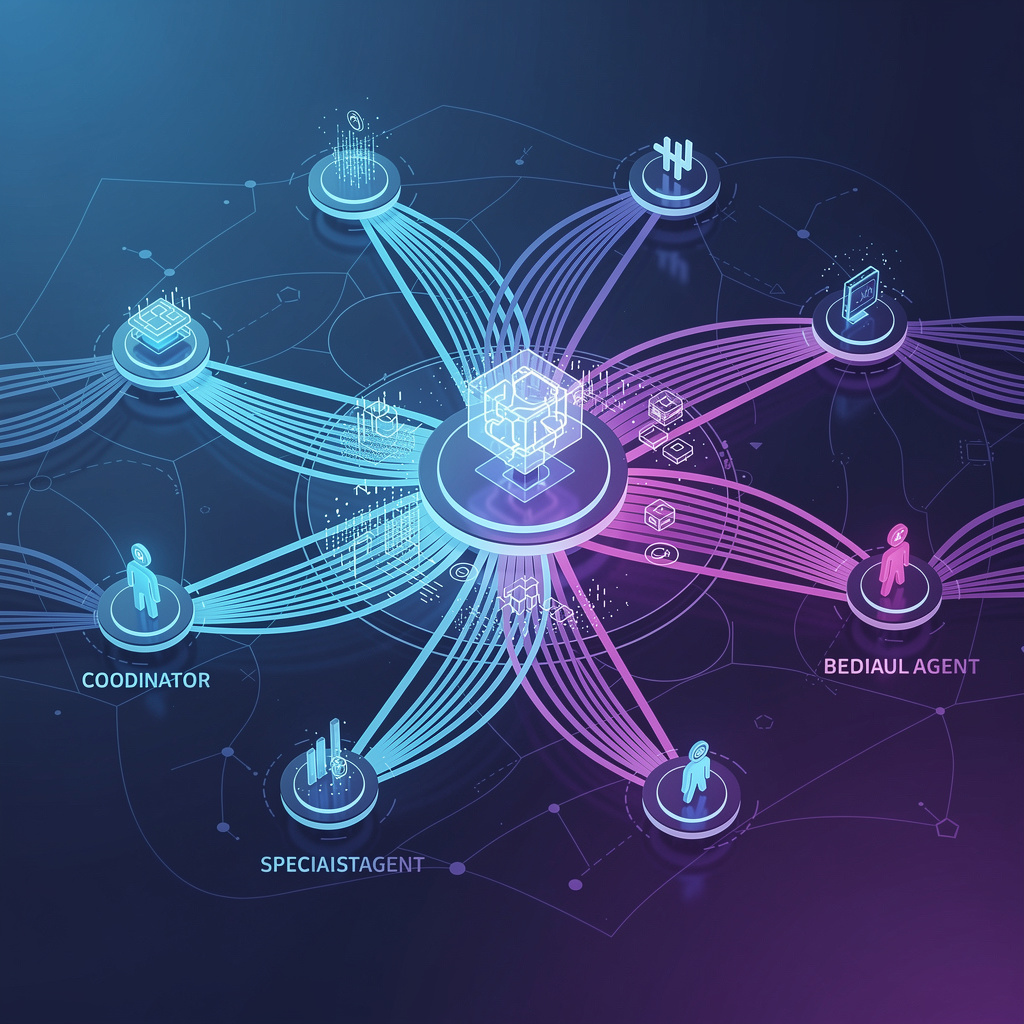
A React frontend calls a Python backend powered by LangGraph. A coordinator agent routes each request to specialist agents: an account agent for banking operations via parameterised SQL, a support agent using RAG grounded in documentation, and a visualisation agent that generates personalised UI configurations. Standard multi-agent pattern — but the interesting part is everything underneath.
Agent Telemetry as Governed Data
Here's the shift that matters. Instead of treating chat transcripts and agent traces as opaque blobs, the reference implementation captures them as structured, relational data in SQL Database in Fabric. Agent sessions, routing decisions, tool usage, model metadata (tokens, latency), and safety outcomes all land in queryable tables.
This means you can trace agent behaviour end-to-end using SQL. You can reconstruct exactly what happened in a conversation that produced an unexpected result. You can correlate agent performance with business outcomes across thousands of interactions. And critically, all of this data is governed by Fabric's security and access controls from day one.
Real-Time Safety Monitoring
Every user prompt passes through content safety evaluation, and those signals stream into Eventhouse (KQL) via Eventstream. You get low-latency querying of safety trends, flagged content categories, and blocked interactions — the kind of visibility that compliance teams need before they'll sign off on production deployment.
From Telemetry to Business Intelligence
Because all data — transactional, operational, and agentic — sits in OneLake, you can shape it through a Lakehouse into a semantic model. Power BI reports surface token usage patterns, tool usage frequency, common intents, latency hotspots, and safety flags. Notebooks enable recurring evaluation workflows, scoring response quality against ground truth.
This is the part most teams build last, if ever. The reference implementation puts it at the centre.
Getting Started
The entire implementation is open source: aka.ms/AgenticAppFabric. A hosted version is running at aka.ms/HostedAgenticAppFabric so you can explore the experience before cloning anything.
To adapt this for your own workloads:
-
Start with the telemetry schema. The repo includes the full relational schema for capturing agent operational data. Even if you're not using the banking scenario, the schema design — sessions, routing decisions, tool invocations, safety outcomes — transfers directly to any multi-agent system.
-
Set up Eventstream for safety monitoring. If your agents are customer-facing, real-time content safety monitoring is table stakes, not a nice-to-have. The included KQL queries give you a working starting point.
-
Build the semantic model early. Don't wait until you have six months of data. Define the relationships between agent activity and business metrics from the start. Power BI dashboards built on this foundation become the operating cockpit for your agent fleet.
-
Use Cosmos DB in Fabric for session state. The semi-structured, high-velocity nature of conversation state and generated UI configurations is a natural fit. Session memory can be restored instantly, and personalisation artefacts persist across visits.
What This Means
In my experience working with enterprise customers, the conversation about agentic AI almost always starts with "what model should we use?" and "how do we build the orchestration?" Those are solved problems. The unsolved problem — and the one that determines whether agents actually make it to production — is operationalisation.
This reference implementation is significant because it positions Microsoft Fabric not just as a data platform, but as the operational backbone for agentic AI. OneLake becomes the single source of truth for both business data and agent behaviour. That's a meaningful architectural simplification for organisations that are otherwise stitching together separate systems for transactions, telemetry, safety, and analytics.
The banking scenario is illustrative, but the patterns generalise. Any organisation running multi-agent systems needs to answer the same questions: What did the agents do? Was it safe? Did it create value? Fabric gives you a governed, unified place to answer all three.
The gap between a working demo and a production deployment isn't the AI. It's the data engineering around the AI. This reference implementation makes that gap considerably smaller.
Leon Godwin, Principal Cloud Evangelist at Cloud Direct